
Cost guide
How much does CCTV cost in Bangalore, and how many cameras do you need?
The short answer · hardware, excl. GST
- 4 cameras
- ₹44,472 to ₹50,870
- 8 cameras
- ₹65,964 to ₹82,496
CP Plus or Prama, two tiers, 30-day backup. Cabling and installation are quoted after the ₹500 CCTV-only site visit. Prices as of 28 October 2026.
Price your home on the calculatorOn our calculator, a typical 3BHK apartment needs 4 cameras.
- Cameras
- 4
- Suggested mix
- 2 dome + 2 bullet
- Backup
- 30 days
A typical villa needs 8 cameras.
- Cameras
- 8
- Suggested mix
- 2 dome + 6 bullet
- Site visit
- ₹500
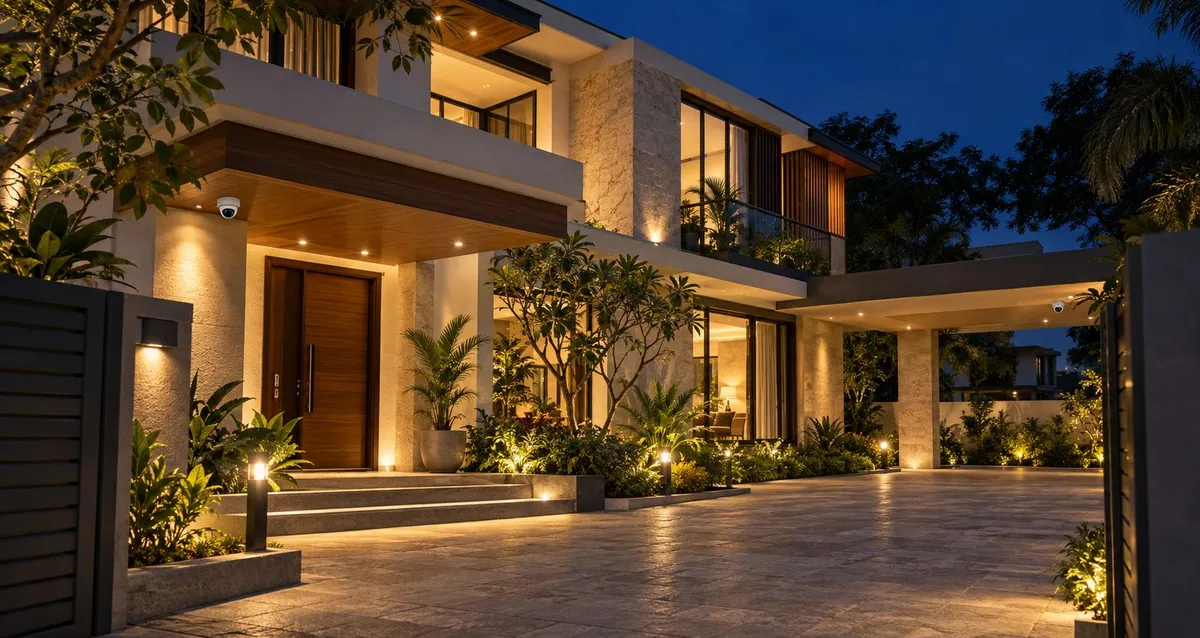
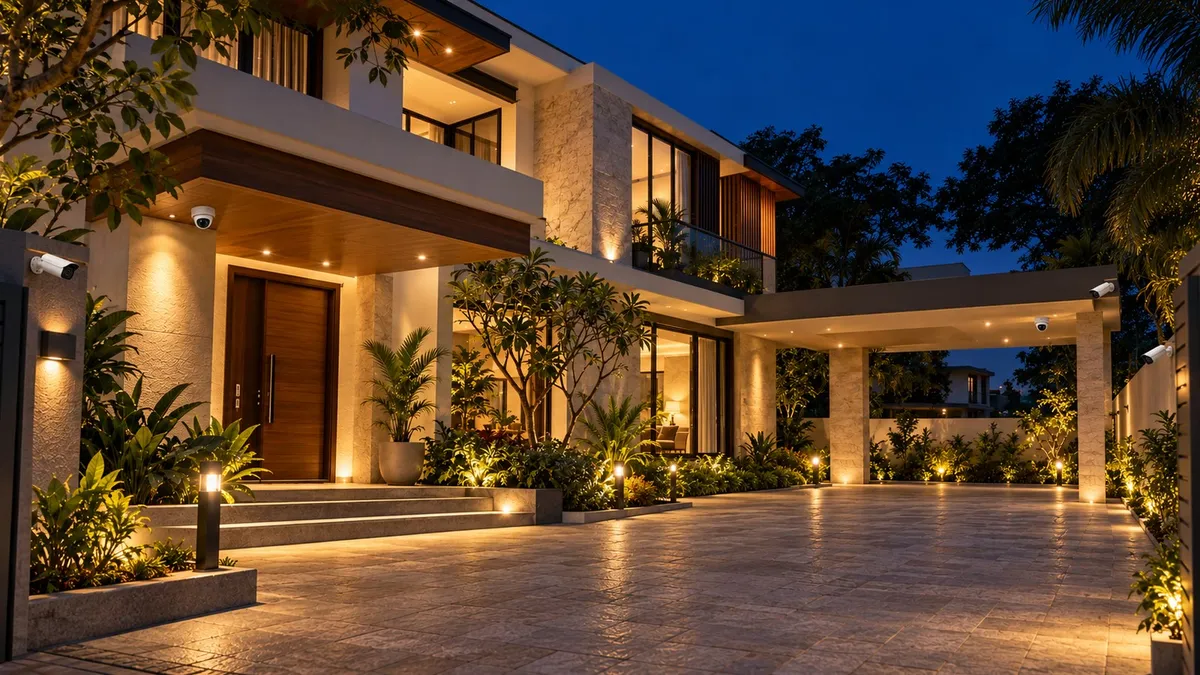
The short answer
Decide what you need to see, then count cameras. On our calculator, a typical 3BHK apartment needs 4 cameras and a typical villa needs 8. The live hardware range for both is at the top of this page, excl. GST, and the breakdown below shows exactly what that total includes.
Calculator hardware + cabling and installation, measured at the ₹500 site visit = your fixed-price quote.
Want the figure for your exact home? The CCTV price table on our CCTV installation page lists 4, 8 and 16 cameras by brand and tier, and the CCTV calculator prices anything from 1 to 16 cameras, live.
How many CCTV cameras do you need?
Coverage comes before camera count. Walk the home once and list the places you actually need to see.
- Arrival. The main door or gate, visitors and vehicles. These need detail: faces and number plates.
- Perimeter and parking. Side passages, compound entrances, the car porch.
- Everyday indoor spaces. Living areas, staircases, a home office. General coverage, not fine detail.
One camera per place is the starting point. Long driveways and large open areas may need a higher resolution or a second angle. Every position is drawn on your floor plan at the site visit, before any drilling.
What drives CCTV cost?
Six things move a quote.
- Camera count and placement. Each camera adds hardware, a cable run and mounting. Outdoor positions take more labour than indoor ones.
- Resolution. 2MP (1080p) suits indoor and general perimeter viewing. 4MP is sharper for faces and number plates, and is our most-installed resolution for Bangalore homes. 8MP (4K) is for long distances and large open areas. On the calculator, Mid-range is 2MP and Premium is 4MP; the per-camera price table below compares them. Higher resolution needs more storage.
- Wired PoE or wireless Wi-Fi. Wi-Fi cameras are quick to fit but need a nearby power outlet and can drop in larger homes. PoE (Power over Ethernet) carries power and data on one cable: more reliable, a little more cable work. For 4 or more cameras we almost always recommend PoE.
- NVR and storage days. The recorder’s hard drive decides how many days you keep before the oldest footage is overwritten. The calculator sizes it for 30 days of video backup. More cameras, higher resolution or continuous 24/7 recording need a bigger drive; motion-only recording keeps footage longer.
- Cabling. Short apartment runs cost less than villa perimeter runs or new conduit. That is why cabling is quoted after we measure, not on the calculator.
- Remote viewing. Live view, playback, motion alerts and shared family access run through the mobile app we set up on iOS or Android at installation. Viewing away from home needs internet; recording does not.
Apartment or villa: how to choose
For an apartment
- Typical count: 4 cameras. The calculator suggests 2 dome + 2 bullet for a 3BHK.
- Where: the main door first, then the shared indoor spaces you want to watch.
- Resolution: 2MP is enough indoors; 4MP at the door if you want faces clearly.
- Wiring: PoE, on short cable runs.
- Install: most 3BHK installs finish in a single day, in about 4–6 hours.
For a villa
- Typical count: 8 cameras. The calculator suggests 6 outdoor bullet + 2 dome.
- Where: gate and entrance, perimeter and side passages, parking, then indoor spaces.
- Resolution: 4MP at gates for faces and number plates; 8MP for long distances and large open areas.
- Outdoors: IP66 or IP67-rated cameras, weatherproof junction boxes and sealed wall penetrations for the monsoon.
- Install: 1–2 days, depending on cable runs and outdoor mounting. Larger plots can go beyond 8; the calculator prices up to 16 cameras.
Common mistakes
- Counting cameras before deciding coverage. What you need to see decides the camera, the resolution and the storage.
- Undersized storage. A smaller drive lowers the headline price, then recordings overwrite sooner than expected.
- Wi-Fi cameras across a large home. They can drop as the distances grow; for 4 or more cameras, PoE is more reliable.
- Indoor-grade cameras outside. Outdoor positions need IP66 or IP67 ratings and sealed cable entries.
- Comparing a hardware price with an all-in quote. Calculator figures are hardware only and excl. GST. Ask every installer what their number covers: cabling, conduit, installation and app setup.
- No room to grow. We leave 1–2 spare NVR channels and plan cable routes, so a camera can be added later without replacing the system.
- No-name budget cameras. We don’t install them; they tend to fail within 6–12 months.
What happens next
- A free WhatsApp conversation: your home type, rough camera count and pincode.
- A ₹500 CCTV-only site visit (about an hour): camera placement, cable runs, network and NVR sizing. The fee is adjusted against your invoice if you go ahead.
- A documented design and itemised, fixed-price quote within 24–48 hours.
- Installation and handover: app set up on your phone, a 1-year comprehensive full-system warranty and 3 months of free onsite support.
Ready to price it? See the CCTV price table and calculator on our CCTV installation in Bangalore page, or message us on WhatsApp.
Last updated: 17 October 2026. Every price on this page is pulled from our CCTV calculator when the site is built, and is hardware only, excl. GST; your final quote shows GST at 18% separately. Prices can change with supplier pricing; the calculator always shows today’s figure.
What the calculator total includes
| Part | 4 cameras | 8 cameras |
|---|---|---|
| Cameras | 4 (2 dome + 2 bullet) | 8 (2 dome + 6 bullet) |
| Recorder (NVR) | CP Plus 8 Channel 4K NVR CP-UNR-4K2082-V3 or Prama 4 Channel NVR | CP Plus 8 Channel 4K NVR CP-UNR-4K2082-V3 or Prama 8 Channel NVR |
| Surveillance hard drive | Western Digital 2TB Surveillance Hard Disk Drive | Western Digital 2TB Surveillance Hard Disk Drive (Mid-range) or Western Digital 4TB Surveillance Hard Disk Drive (Premium) |
| PoE switch | TP-Link LS105GP 4+1 Gigabit PoE+ Switch (65W) | TP-Link LS108GP 8-port Gigabit PoE+ Switch |
| Rack | 4U Rack | 4U Rack |
| Junction boxes | 4 boxes with jacks | 8 boxes with jacks |
What the site visit adds: cabling and installation. We measure the cable runs and confirm every camera position and the dome and bullet mix at the ₹500 CCTV-only site visit, then send a fixed-price quote. Calculator prices are excl. GST; your final quote shows GST at 18% separately.
2MP vs 4MP: price per camera
| Camera | Mid-range · 2MP | Premium · 4MP |
|---|---|---|
| CP Plus bullet | ₹4,444TA21L3C-LQ | ₹4,956CP-UNC-TA41L3C-D-LQ |
| CP Plus dome | ₹3,844DA21L3C-LQ | ₹4,556CP-UNC-DA41L3C-D-LQ |
| Prama bullet | ₹4,745PT-NC120D3 | ₹5,754PT-NC140D3-WNM |
| Prama dome | ₹4,256PT-NC123D3 | ₹6,170PT-NC143D3-WNM |
| 4-camera hardware total | ₹44,472 to ₹48,422 | ₹50,318 to ₹50,870 |
| Best for | Indoor and general coverage | Faces and number plates at gates and parking |
Per-camera catalogue prices, excl. GST, as of 28 October 2026. The CP Plus cameras we price are STQC-certified models (TA21L3C-LQ, DA21L3C-LQ, CP-UNC-TA41L3C-D-LQ, CP-UNC-DA41L3C-D-LQ). 4MP is our most-installed resolution for Bangalore homes. Compare both tiers on the calculator to see every part that differs.
Questions people ask
How many CCTV cameras do I need for a 3BHK apartment?
Usually 4. Our calculator suggests 2 dome and 2 bullet cameras for a typical 3BHK: the main door first, then the shared indoor spaces. Final positions are confirmed on your floor plan at the ₹500 site visit.
How many CCTV cameras does a villa need?
Usually 8. Our calculator suggests 6 outdoor bullet cameras and 2 domes, covering the gate, perimeter, parking and indoor spaces. Larger plots can go higher; the calculator prices anything up to 16 cameras.
How much does CCTV cost for a home in Bangalore?
On our calculator (prices as of 28 October 2026), hardware for 4 cameras costs ₹44,472 to ₹50,870 and for 8 cameras ₹65,964 to ₹82,496, excl. GST, with 30-day video backup. Cabling and installation are quoted after the ₹500 CCTV-only site visit, and your final quote shows GST at 18% separately. Our CCTV installation page has the full price table and a live calculator.
Do CCTV calculator prices include GST?
No. Calculator prices are excl. GST; your final quote shows GST at 18% separately. We issue a GST-compliant tax invoice, and a B2B invoice against your company GSTIN if you need input credit.
Is PoE or Wi-Fi better for home CCTV?
Wi-Fi cameras are quick to fit but need a nearby power outlet and can drop in larger homes. PoE cameras carry power and data on one Ethernet cable, which is more reliable and avoids Wi-Fi congestion, with slightly more cable work. For 4 or more cameras we almost always recommend PoE.
How many days of CCTV recording will I get?
It depends on the hard drive size, the number of cameras and the resolution. Our calculator sizes storage for 30 days of video backup. Motion-only recording keeps footage longer than continuous 24/7 recording, and storage can be upgraded if you need more days.
Do CCTV cameras need internet to record?
No. The NVR records to its hard drive whether or not you have internet. You only need internet to view your cameras on your phone when you are away from home.
Can I add more CCTV cameras later?
Yes. We size the NVR with 1-2 spare channels and plan cable routes for extension, so adding a camera later costs only the camera, cable and installation, without replacing the system.